
Smart Design. Powerful Data.
Stop cramming info into event titles. Start using Custom Fields.
Time Reports Pro transforms your Google Calendar from a simple schedule into a powerful business database. By adding dedicated fields to your sidebar, we keep your calendar clean and your reports perfect.
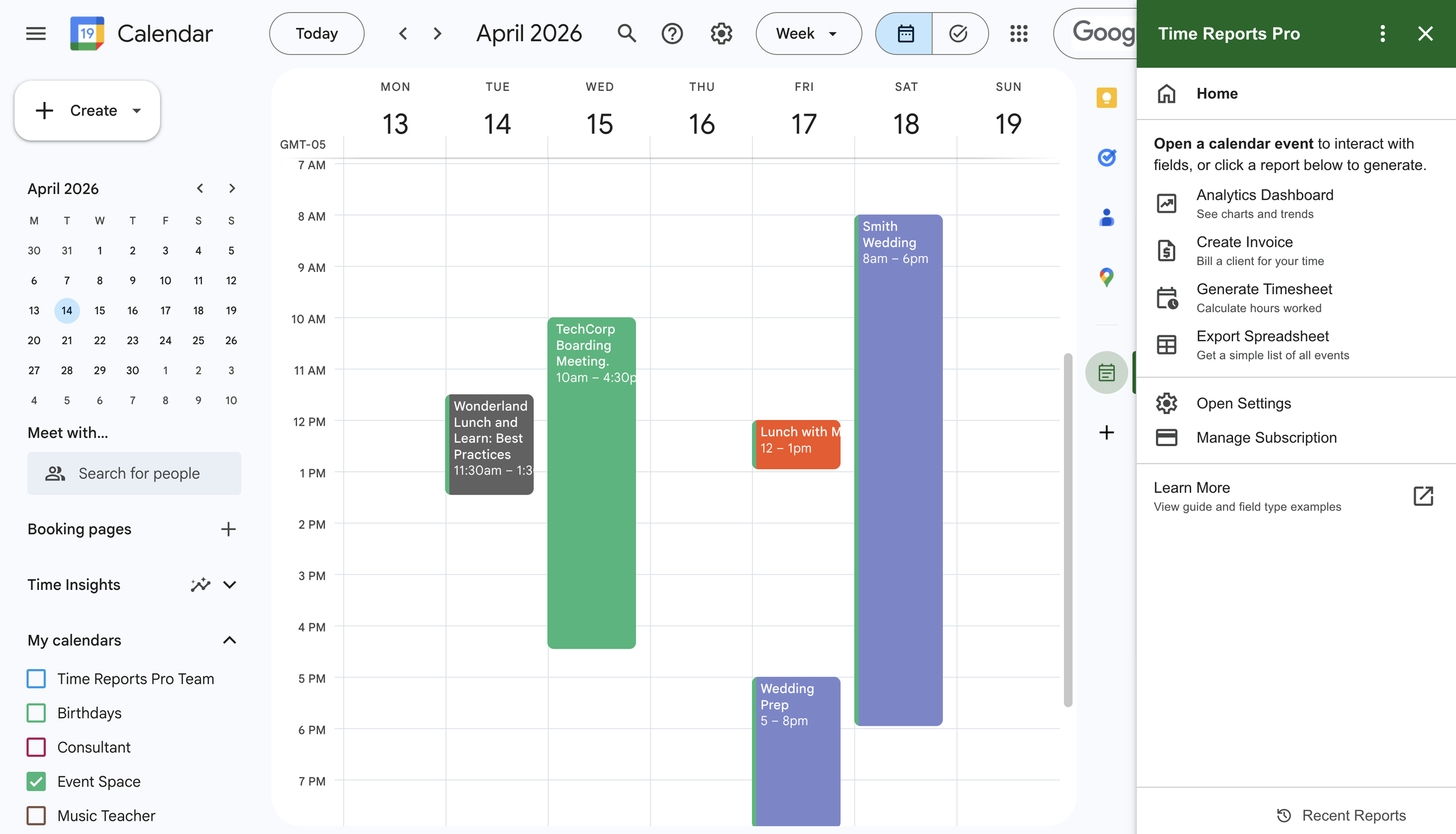
1. Color Fields: See Your Week at a Glance
The "So What?": Visual organization without the manual effort.
How it works: Create a list (e.g., "Client A," "Client B," "Internal"). When you select a client in the sidebar, TRP automatically changes the event color on your calendar.
The Benefit: You don't have to remember which color belongs to whom. Your calendar stays color-coded perfectly, and your reports group these events automatically for instant totals.
2. Multiselect Fields: The Power of the Checklist
The "So What?": Track multiple details for a single meeting.
How it works: Perfect for "Service Lists" or "Task Tags." If a 1-hour meeting covers Consulting, Design, and Review, you simply check all three.
The Benefit: No more messy descriptions. In your spreadsheet, we can split these out so you know exactly how many hours were spent on each specific service, even within the same block of time.
3. Text Fields: Capture the Specifics
The "So What?": Permanent records for unique identifiers.
How it works: Add a field for "PO Number," "Job ID," or "Incident Report #." Type it in once, and it’s done.
The Benefit: Because these are dedicated fields, you can search and filter your spreadsheets by these numbers instantly. No more "Command+F" through thousands of event descriptions to find one reference number.
The "Secret Sauce": The Setup Wizard
You don’t need to be a database expert to build a professional system. When you launch TRP, our Setup Wizard asks a few simple questions:
"Are you tracking for yourself or a team?"
"Do you need to bill clients or just track projects?"
Based on your answers, the Wizard recommends and creates the fields for you. It’s like having a project manager set up your office before you walk in the door.
Built for Data Integrity
Unlike other add-ons that "scrape" your calendar, TRP uses Extended Properties. This means:
Move it: Your data stays "glued" to the event even if you reschedule.
Rename it: Change the title as much as you want; the custom fields remain untouched.
Share it: If you have a shared calendar, your team sees the same fields and stays on the same page.